HALIDRA
Own your RAW editor.
Import, cull and develop your RAW files on Windows — non-destructive, colour fitted to your own camera, bought once for $59. No subscription.
"The darkroom was a place where light became truth."
Halidra is named for silver halide, the light-sensitive crystal film is coated in — which is also where the octahedral mark comes from, because that is the shape the crystal actually grows in.
Everything between import and export
Never touches your originals
Your RAW and JPEG files are opened read-only and never written to. Every rating, flag, crop, healing spot and develop setting lives in a catalog beside the photos — nothing is baked in until you choose to export.
- Catalog stored in
.halidra/catalog.jsonbeside the photos - Legacy
.aperture/catalogs are still read and migrated on first launch - Nothing is ever destroyed — edits are baked in only on export
Bit-exact RAW decoding, two tiers
Tier 1 reads the camera's own embedded preview — fast, and effectively every RAW opens. Tier 2 demosaics the actual sensor plane for real highlight headroom. The sensor decoders are checked pixel-for-pixel against LibRaw's unprocessed sensor plane.
- Tier 1: embedded preview, full resolution, instant culling
- Tier 2: full sensor decode, 16-bit linear, Ctrl+Alt+R
- Verified against LibRaw's
unprocessed_rawoutput
Colour fitted to your camera
There is no per-camera colour table to trust. Halidra fits the camera-RGB → sRGB matrix against the camera's own embedded preview of that same frame, with each row constrained to sum to 1 so neutrals stay neutral. Where a scene can't constrain a full matrix, per-channel gains fix the colour cast instead.
- Self-calibrating — works on any body that writes a preview
- Per-channel gains fallback when a scene lacks colour variation
- Black level measured from the sensor's shielded border
Cull at speed
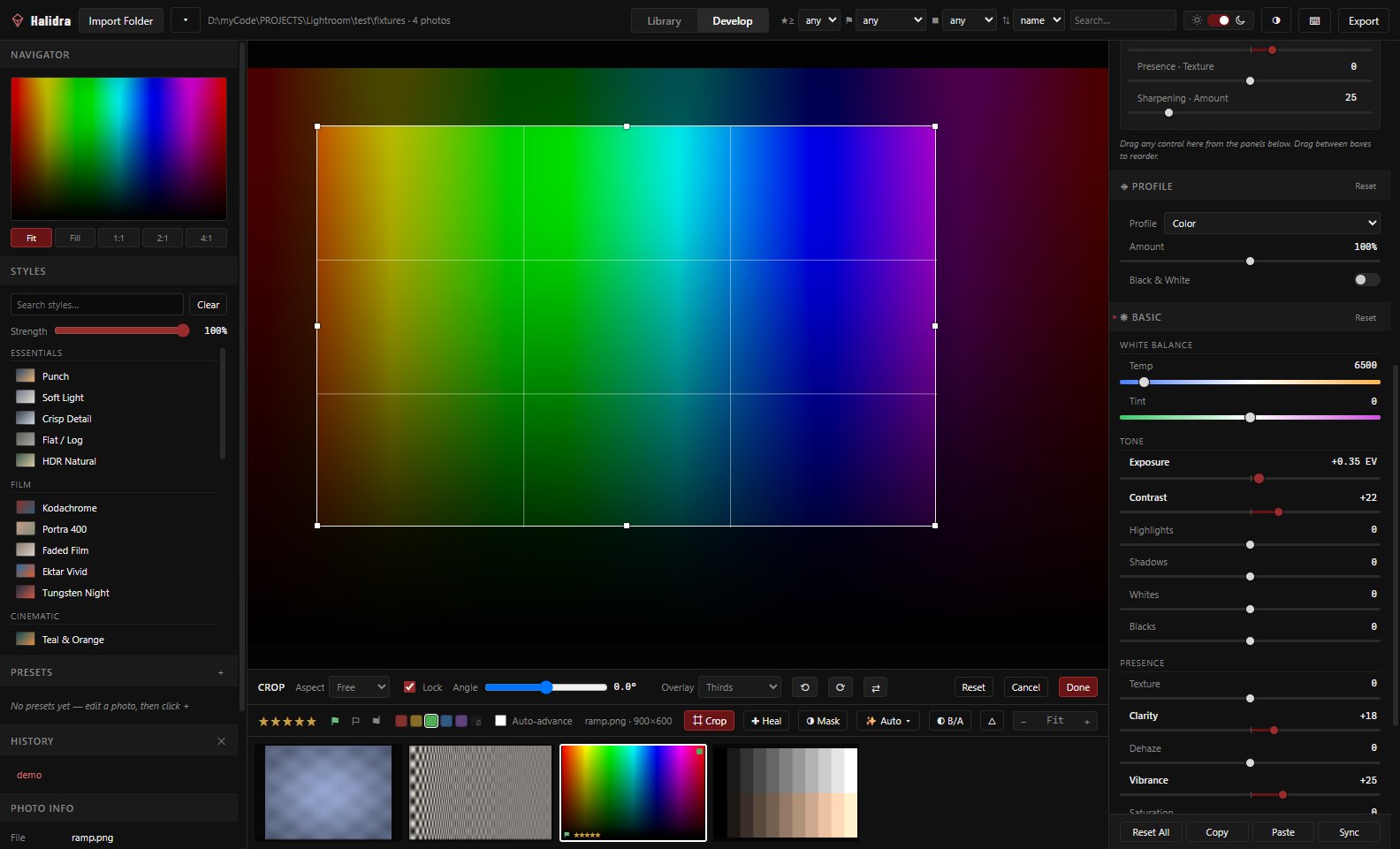
Rate, flag and colour-label from the keyboard with auto-advance so a single keystroke moves you straight to the next frame. Filter by rating, flag, label or text, sort five ways, and RAW+JPEG pairs are detected and grouped automatically.
- 0–5 star ratings, pick/reject flags, red→purple colour labels
- Grid and filmstrip with lazily-decoded, disk-cached thumbnails
- Import a folder, optionally including subfolders
100 controls across 10 groups
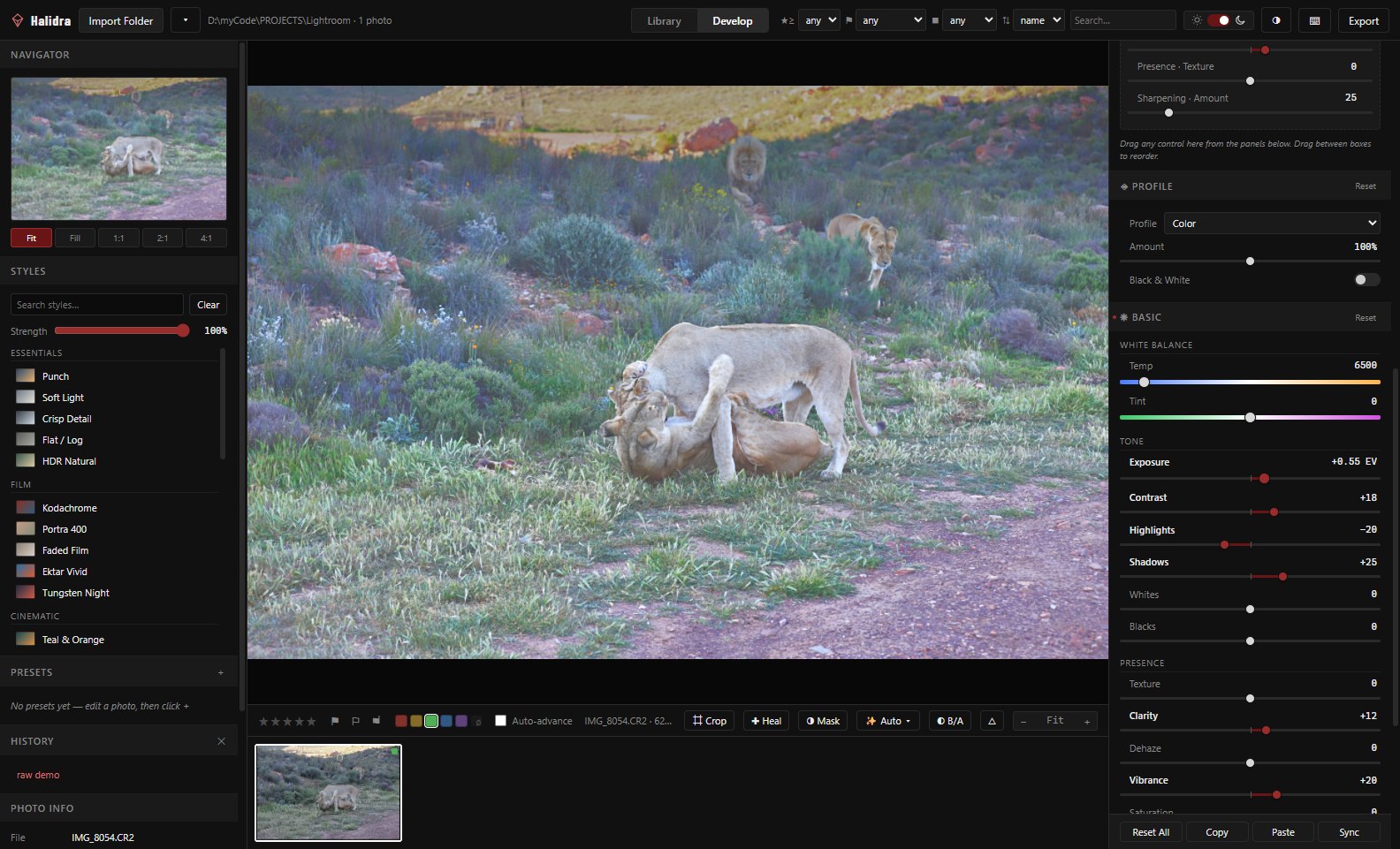
Profile, Basic, Tone Curve, Color Mixer, Color Grading, Detail, Optics, Geometry, Effects and Calibration — every control takes the mouse wheel, with Shift for fine steps and Ctrl for coarse ones.
- Point tone curve over a live histogram, plus parametric regions
- 8-band colour mixer, 4-way colour grading wheels
- Auto Tone and Auto White Balance, before/after split view
Every control, locally
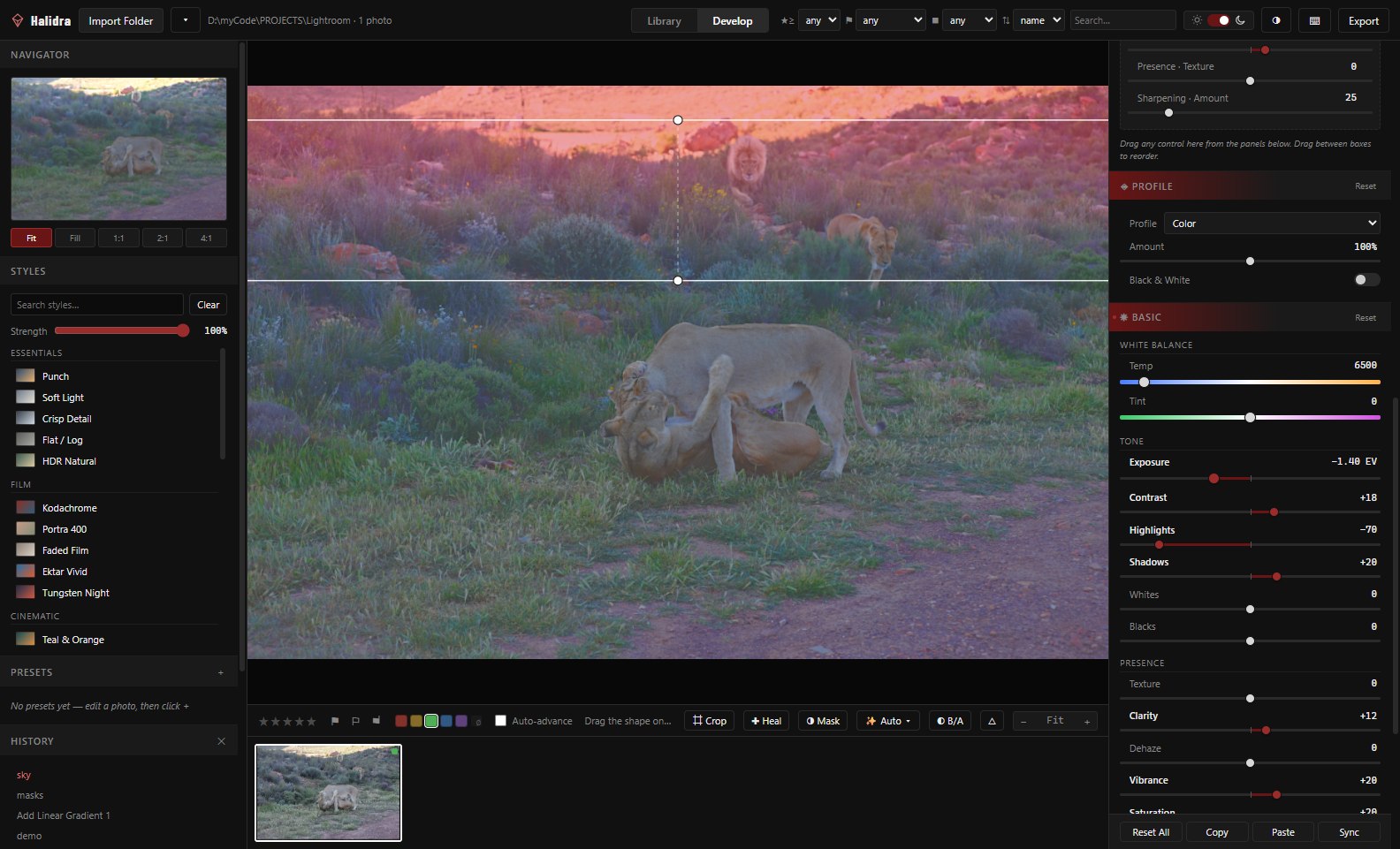
Add a mask and the whole develop panel applies inside it and nowhere else — not a restricted set of local sliders. Five mask types, up to eight stacked per photo, each with its own complete pipeline pass.
- Radial, Linear Gradient, Brush, Color Range, Luminance Range
- Feather, opacity, invert and show/hide per mask
- Masks stay glued to the photo through crop, straighten and rotation
Healing that melts in
Heal blends a repair's colour and brightness with its surroundings while keeping texture — which is what makes it survive gradients like skin and sky. Clone copies a source verbatim. Halidra picks the source for you by ring-matching around the blemish, or you can place it by hand.
- Formula:
source − blur(source) + blur(destination) - Up to 32 spots per photo, all on the GPU, all reversible
- Spots stay stuck through crop, straighten and lens distortion
Three ways to get there fast
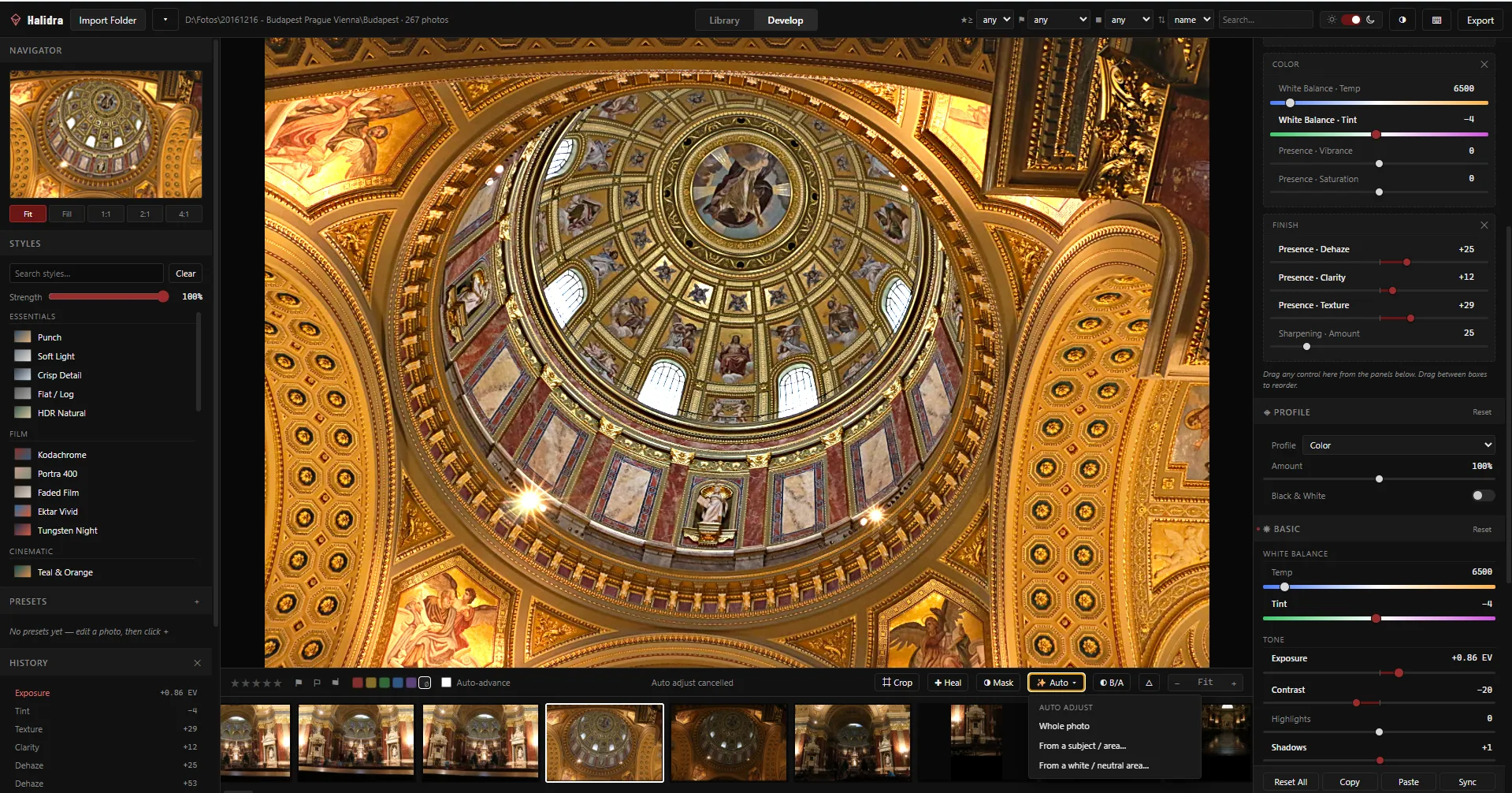
Balance the whole frame, expose for a dragged subject area, or solve white balance and exposure from a neutral patch — a true grey-card workflow. On a blue-cast test frame, the neutral solve moves the blue-minus-red difference from +59 to −4.
- Whole photo · From a subject / area… · From a white / neutral area…
- Ctrl+U · Ctrl+Alt+U · Ctrl+Shift+W
29 Styles with a true Strength slider
Essentials, Film, Cinematic, Portrait, Landscape, Black & White and Creative — Kodachrome, Portra 400, Faded Film, Teal & Orange, Bleach Bypass and more. Strength interpolates every numeric setting from default toward the style's values, so 50% really is half the look. Clear always returns to defaults — a style is never a trap.
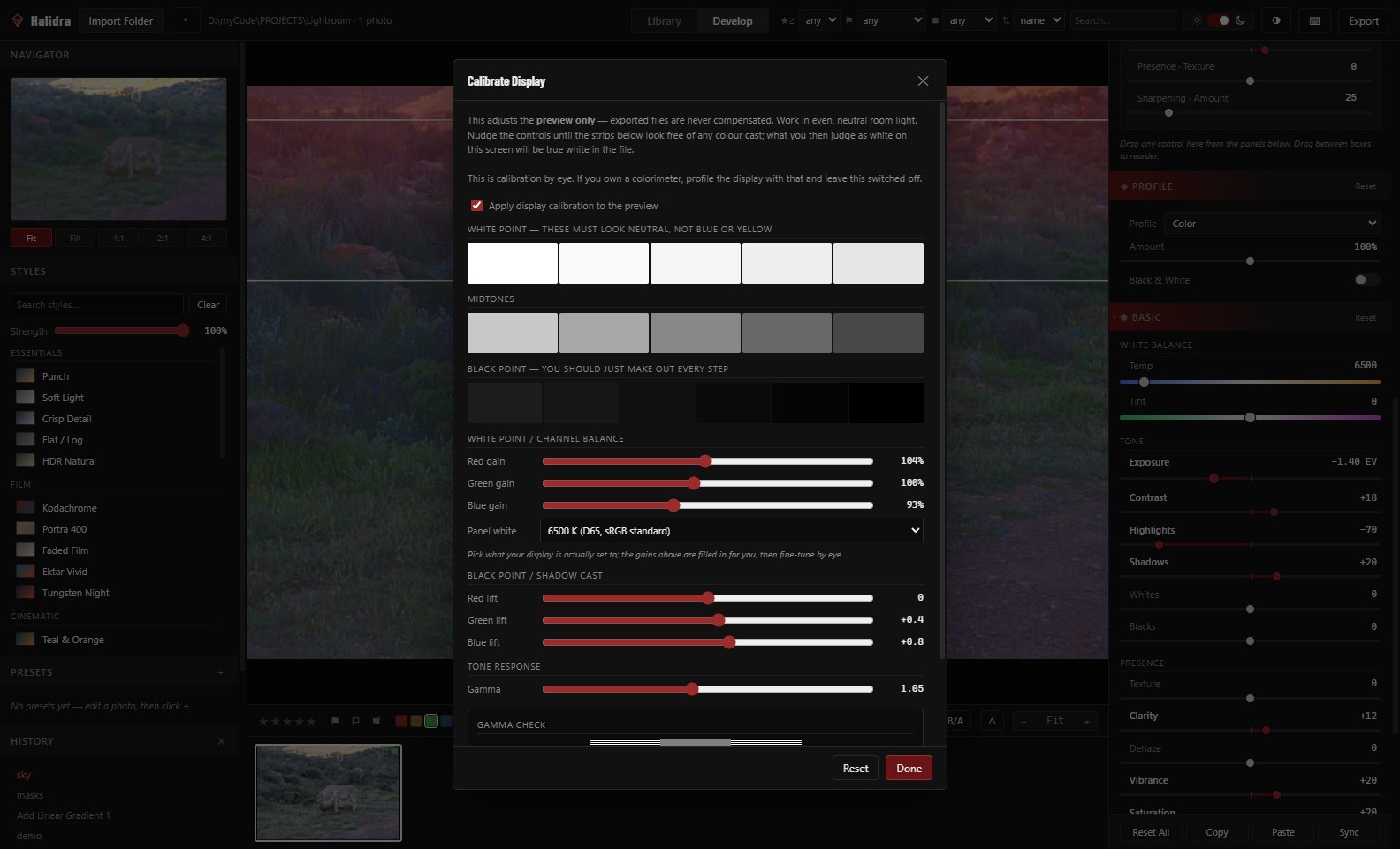
Display calibration — a view transform, never an edit
Calibration compensates the preview so what you judge as neutral on your screen is neutral in the file — by eye, against white point, black point and gamma strips. Exported pixels are never compensated, which is asserted by rendering the same photo through both paths and checking the export is bit-identical with calibration on and off.
- Ctrl+Shift+K opens the calibration panel
- Own a colorimeter? Profile the display with that and leave this off
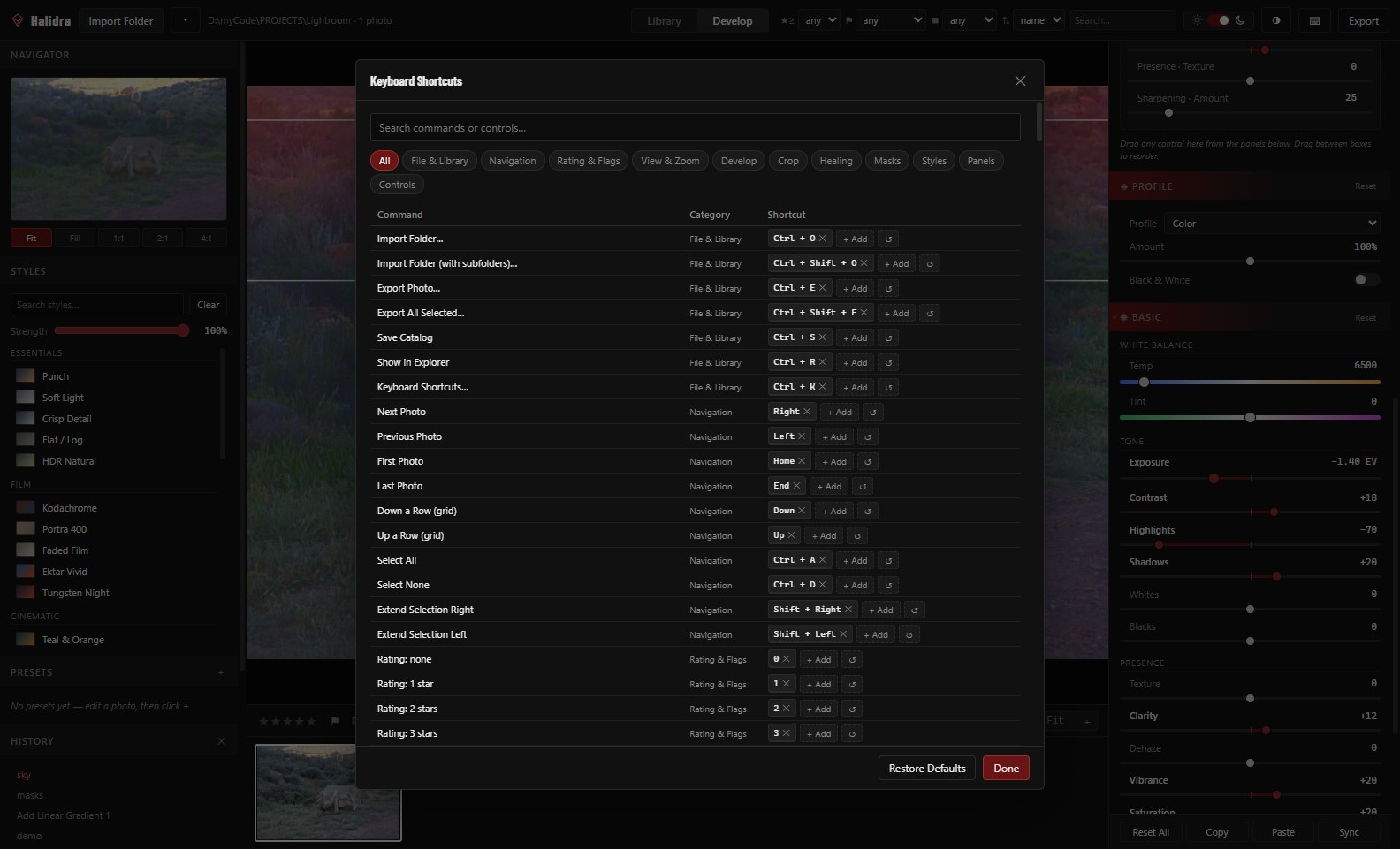
576 bindable commands
Every control in the app is assignable, not just menu commands — each slider gets Increase, Decrease, Reset, Focus and Add to Favorites commands; toggles get Toggle; dropdowns get Next/Previous Option. Every slider is also wheel-controllable, with the same Shift/Ctrl fine and coarse steps.
- Ctrl+K opens the searchable shortcut editor
- Conflicts shown in red; multiple keys per command allowed
- Keymap survives upgrades — new commands keep factory defaults
JPEG, PNG, WebP, TIFF 8-bit, TIFF 16-bit
Every export renders through the same GPU pipeline at full resolution, with quality and long-edge resize. TIFF 16-bit is read straight off the float render target — the format to use when a file is going on to print or further retouching. The originals are untouched in every case.
Subscribe, pay monthly, or wait for a sale — or just buy it
| Price model | Ownership | Bit-exact decode | Non-destructive | |
|---|---|---|---|---|
| Subscription editors | Recurring | Access revoked if you stop paying | Varies | Varies |
| Halidra | $59, once | Perpetual licence | ✓ checked against LibRaw | ✓ originals never written to |
One price. No catch.
One payment. Yours forever.
No subscription · No renewal · No catch
- Perpetual licence — no renewal, ever
- Windows 10 or 11, 64-bit
- macOS — coming soon
Launching soon. Check the full system requirements in the meantime.
76 end-to-end checks stand behind this page.
Exposure, masking, healing, calibration, export — each behaviour above is asserted by the test suite, not just described. Correctness against real cameras is checked against LibRaw's reference decoder on CC0 samples from raw.pixls.us.